Take A Tour Of Your SlideMake Account Presentation
| Welcome! | ||
|---|---|---|
| Thanks for signing up, very excited to meet you. Let's take a tour of your account. Don't forget to join the Discord community to get support and provide feedback! |  | |
| 1 | ||
| Your SlideMake Dashboard | ||
|---|---|---|
| Everything starts with your dashboard. Access previously saved work to edit and share. Launch new flows like Create Presentation Outline and Create Presentation Using Your Notes. | 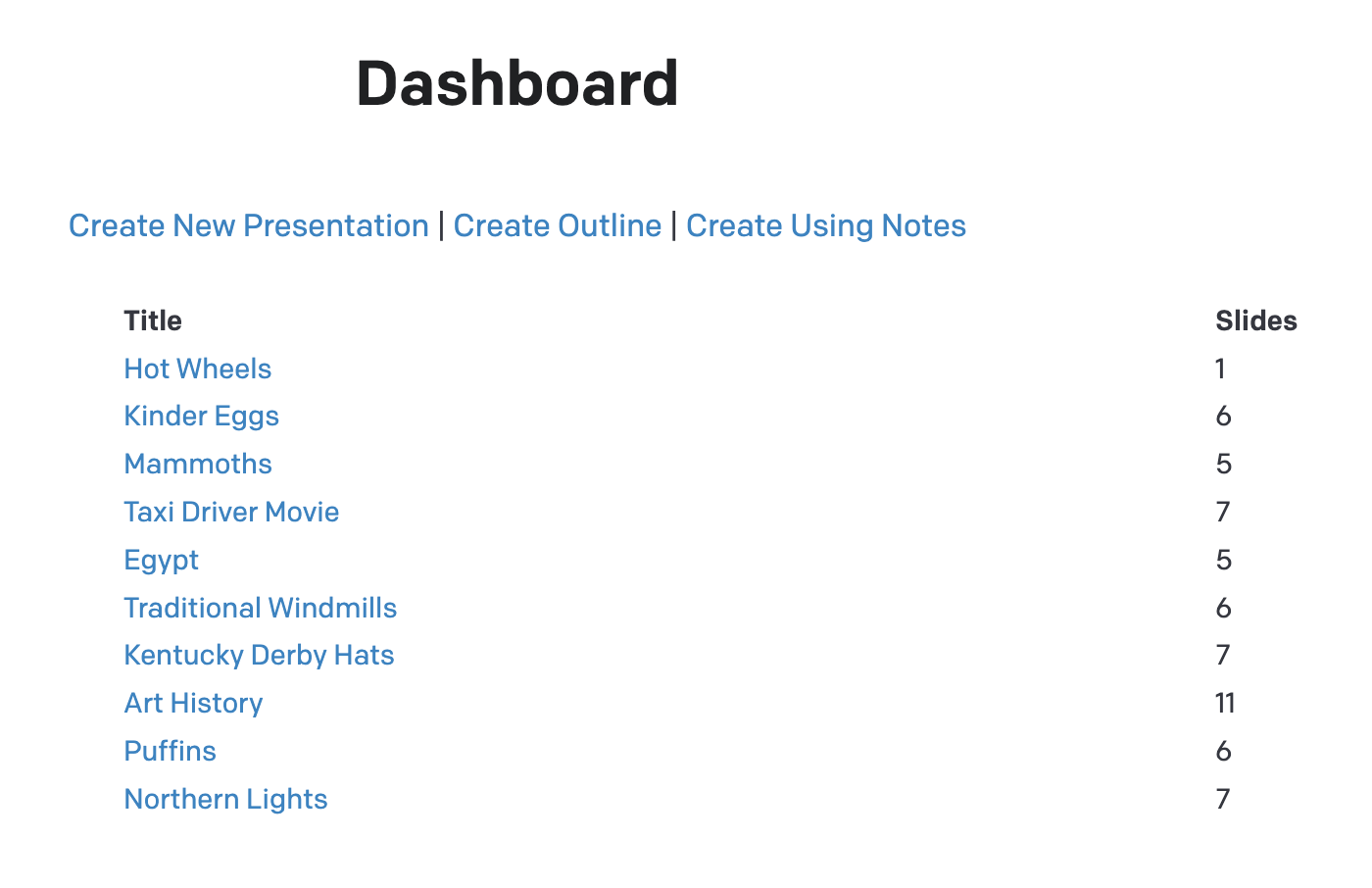 | |
| 2 | ||
| Share and Manage | ||
|---|---|---|
| Visit past presentations on your dashboard. Get shareable links. Delete from share page (if you're the owner). | 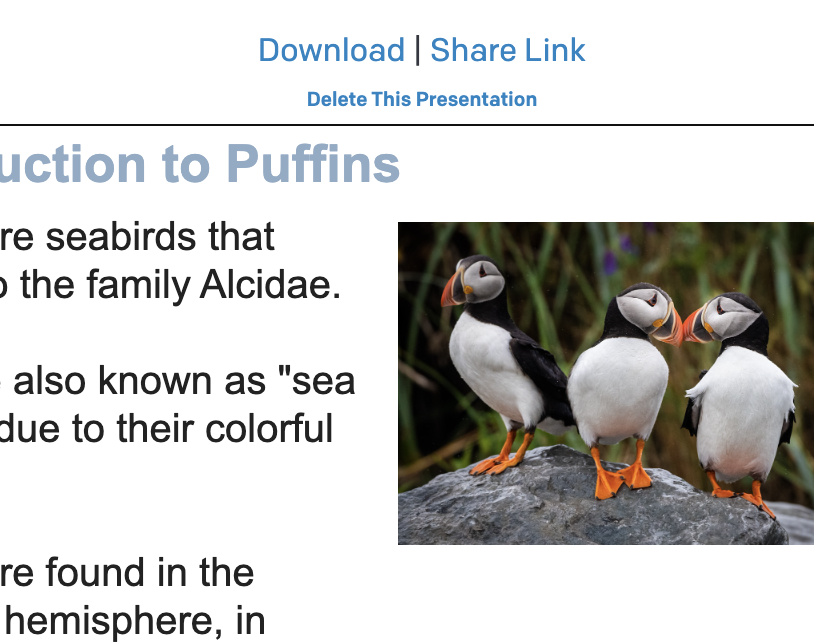 | |
| 3 | ||
| Advanced Features For Better Presentations | ||
|---|---|---|
| Create Using Notes: paste any text to create presentations. Create Outline: kickstart your presentation by generating slide titles only. Speaker Notes: browse saved presentations and generate complete speaker notes (below the last slide) | 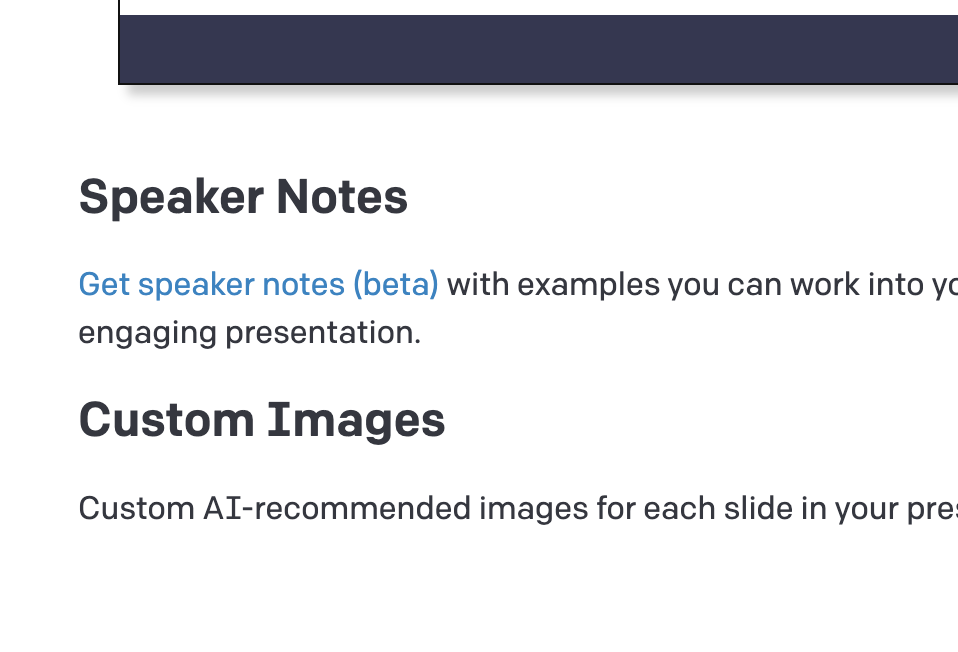 | |
| 4 | ||